

Explore essential IT infrastructure solutions that ensure your technology stack remains robust.

November 18, 2026
Most buyers only spot one major difference between Business Premium and Business Standard, but three other capabilities are just as important. Overlooking them means the real value of upgrading never gets considered.
A side-by-side chart of Microsoft 365 plans hides more than it reveals: Business Standard and Business Premium list almost identical apps, so the gap between them lives in features no feature-list table shows. Many buyers can name one big difference, but the rest stay hidden until you dig deeper.
The plans look similar at a glance, and that first impression is accurate as far as it goes. Both offer the familiar Office apps and cloud services your team relies on. The real value of Business Premium, though, lies in a handful of capabilities that don't show up in most quick comparisons.
Because those capabilities stay out of view, a surface-level look can lead you to the wrong conclusion. Understanding what sets Business Premium apart can help you decide if it's the right fit for your business.

Most people start by comparing the Office apps and cloud storage, since that comparison is the easiest to make. Business Standard and Business Premium both include Word, Excel, PowerPoint, and Outlook, along with email and OneDrive. Seeing that overlap, it's natural to assume the main difference is just a few extra tools.
But there's more beneath the surface, and it's in the less obvious features that Business Premium earns its name. These are the capabilities that protect your data, manage your devices, and give you more control over how your company works.
If you're in Bakersfield and thinking about your next IT move, ask yourself: do you know what you're really getting with each plan?
The real gap between Business Premium and Business Standard isn't just in the apps - it shows up in four specific areas that most buyers overlook until they see them side by side.
Business Premium includes tools that let you manage laptops, phones, and tablets from a central place. With Microsoft Intune, you can set security rules, push updates, and even wipe a lost device remotely, which means company data stays under your control even when people work from scattered locations.
Premium goes beyond basic protection by adding advanced threat protection, like Microsoft Defender, to help block ransomware and phishing attacks. Alongside that, conditional access policies let you decide who can use certain apps or data based on their location or device, keeping sensitive data safe without slowing down your team.
With Business Premium, you can label and encrypt documents to control who sees them. Azure Information Protection builds on that by letting you set rules for handling confidential files, so only the right people have access - a real advantage if your business handles sensitive data or needs to meet industry regulations.
Multi-factor authentication (MFA) is included, making it harder for attackers to break in. On top of that, automated access policies mean employees only see what they need for their role, which reduces risk and helps you stay in control as your team grows.
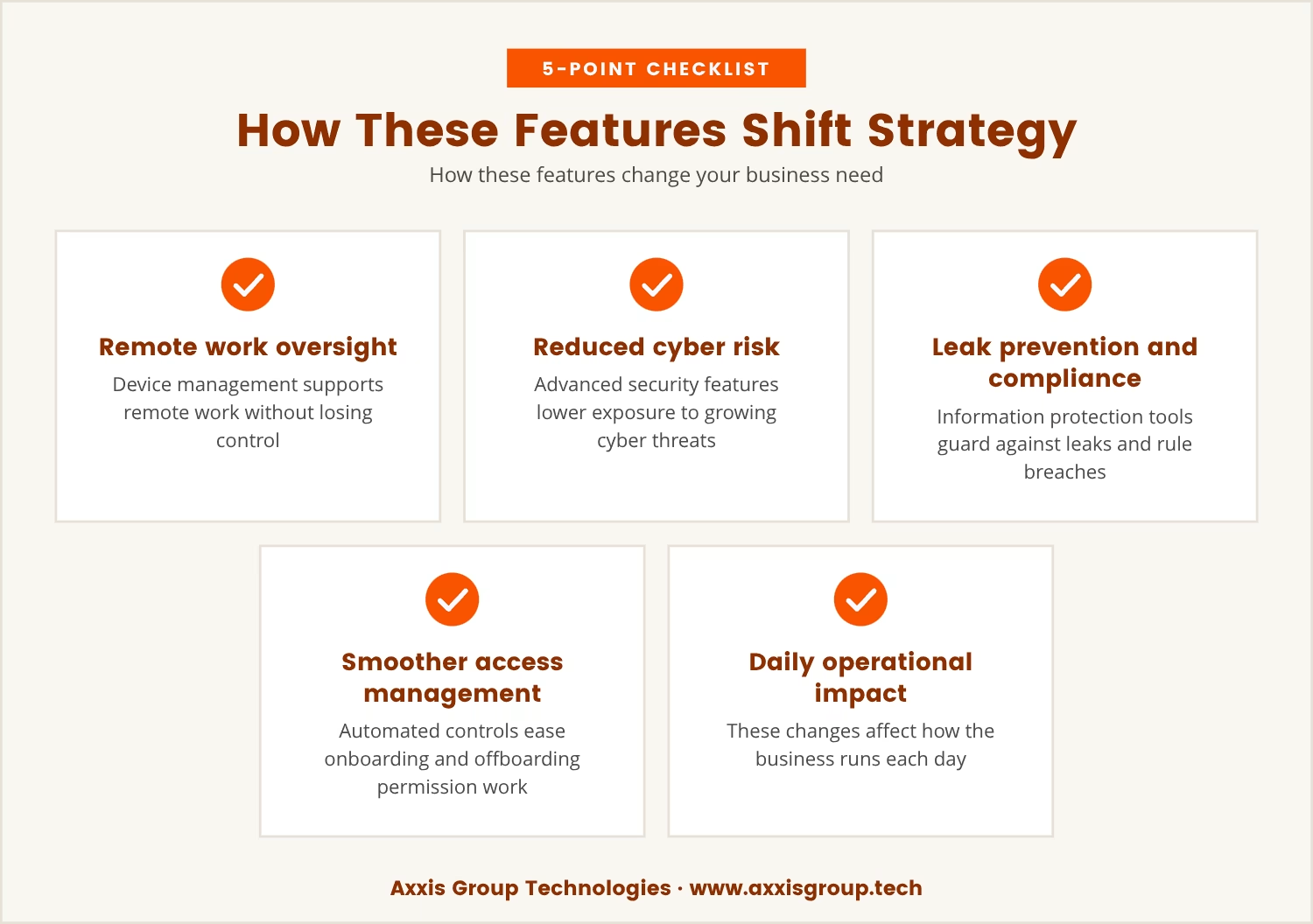
Once you look past the basics, these extra capabilities start to shape your IT strategy rather than just padding a features list. Device management means you can support remote work without losing oversight, and that oversight matters because advanced security features reduce the risk of cyber threats, a growing concern for businesses of all sizes.
Building on that protection, information protection tools help you avoid accidental leaks and stay compliant with rules that affect your industry. Automated access controls then make onboarding and offboarding smoother, so you spend less time managing permissions and more time on real work.
Taken together, these aren't just technical upgrades - they're changes that affect how your business operates every day.
For many companies in Bakersfield, the decision to upgrade is about more than just cost - it's about how well your IT setup matches the way you work now, and how it will support you as you grow. If your team uses a mix of desktops and mobile devices, or if you handle sensitive client information, the added controls in Business Premium can make a real difference.
That difference often becomes clear only when you face a real challenge, like a lost laptop or a phishing attempt. By then, the right tools can save you time, money, and stress.
Most businesses focus on the price and the familiar Office apps, noticing the cloud storage limits or the email features and stopping there. But the real decision should be about risk, control, and the ability to adapt as your needs change.
Stopping at the obvious comparison risks missing the features that actually protect your business, so it's worth taking a closer look at the full list of capabilities before making your choice.
The real value in Business Premium isn't just about getting more apps - it's about gaining control, reducing risk, and making IT management easier as your business changes. Stopping at the most visible features means missing the real reasons to upgrade, along with the chance to build a more secure, flexible setup for your team.

If you’re running a team of 10 to 150 users, it’s easy to focus on the obvious features and miss what actually matters for your business. At Axxis Group Technologies, we see how often companies overlook the less visible capabilities that could make a real difference.
We invite you to talk with us about your current setup and see how our approach to Microsoft 365 planning can help you make a decision that fits your needs.
We’ll match your current IT costs or beat them by up to 20% for qualifying businesses ready to upgrade their Microsoft 365 plan.
Device management in Business Premium uses Microsoft Intune to let you set up, secure, and monitor company devices from a single dashboard. You can push updates, enforce security settings, and even wipe data from lost or stolen devices, all without needing to touch each device in person.
Yes, Business Premium includes advanced threat protection features like Microsoft Defender, which helps block ransomware, phishing, and other cyber threats before they can impact your business. These tools work in the background to keep your data and devices safer.
Business Premium lets you set up access policies and use Azure Information Protection to label and encrypt files. This means you decide who can see, edit, or share sensitive information, helping you stay compliant and protect your company's data.
Business Premium gives you more control over remote devices and security settings. Its device management and automated access controls let you support a remote or hybrid team while keeping company data secure, something Business Standard doesn't fully cover.
You don't have to upgrade every user at the same time. Some businesses start by moving users who handle sensitive data or need extra security, then expand as their needs grow, which lets you match the plan to each person's role and risk level.