Discover why is cybersecurity important and learn the cybersecurity importance for your business. Get practical tips to protect against cyber threats and data loss.

September 25, 2026
Staying ahead of IT issues is critical for any business that relies on technology. IT monitoring helps you keep an eye on your infrastructure, spot problems early, and maintain uptime. In this article, you’ll learn what IT monitoring is, how monitoring tools provide real-time alerts, and why visibility into your infrastructure is essential. We’ll cover key metrics, automation, and observability, plus practical strategies for optimizing your monitoring system and improving application performance. You’ll also discover best practices for implementing IT monitoring, common challenges, and how to troubleshoot issues to protect your user experience and business operations.
IT monitoring is the process of tracking the health and performance of your technology systems. This includes servers, networks, cloud environments, and all the infrastructure components that keep your business running. By using a monitoring tool, you can detect issues like downtime, high CPU usage, or slow response time before they impact your users or customers.
A strong IT monitoring system gives you visibility into your entire infrastructure. This means you can identify potential problems, automate alerts, and proactively resolve issues. For businesses, this leads to better uptime, improved user experience, and less risk of lost revenue due to outages. Monitoring software also helps you optimize resources and make smarter decisions about upgrades or changes.
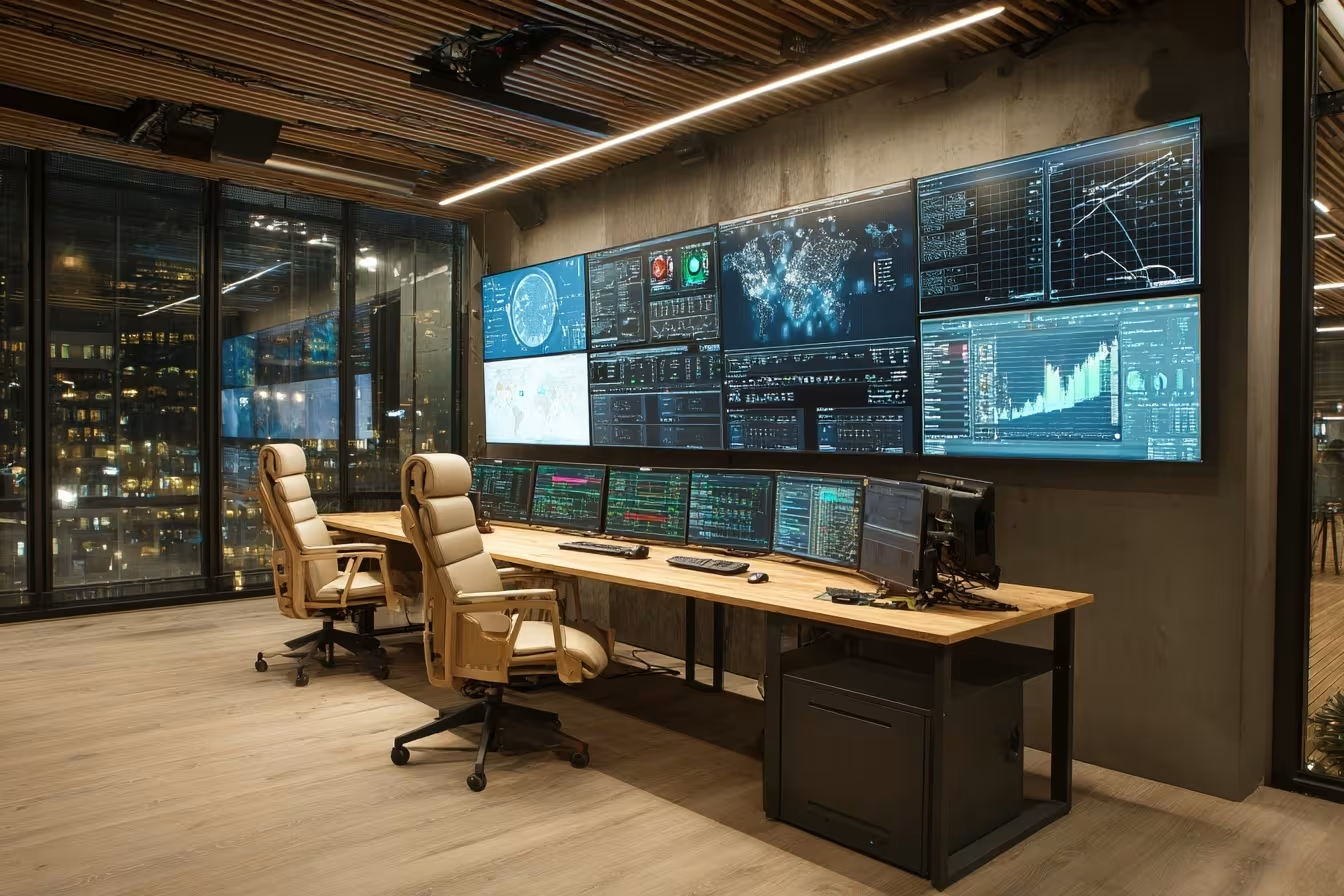
Choosing the right approach to IT monitoring can make a big difference in how quickly you spot and fix issues. Here are some strategies that help businesses get the most from their monitoring setup:
Real-time monitoring lets you see what’s happening in your systems as it occurs. This helps you catch anomalies and performance problems right away, so you can respond before they become bigger issues. Fast detection is especially important for applications that require high uptime.
Alerts notify you when something goes wrong, like a server going offline or a spike in CPU usage. Setting up actionable alerts means you only get notified about issues that matter, so your team can respond quickly and avoid alert fatigue.
Infrastructure monitoring tracks all the parts of your IT environment, from servers to cloud services. This end-to-end approach gives you a complete picture, making it easier to troubleshoot and resolve issues across your entire infrastructure.
Metrics like response time, uptime, and utilization show how well your systems are performing. Monitoring these metrics helps you spot trends, identify potential bottlenecks, and plan for future growth.
Automation saves time and reduces errors. By automating tasks like log collection, alerting, and reporting, your team can focus on solving problems instead of managing manual processes.
Observability means having the tools and data to understand what’s happening inside your systems. This includes collecting logs, traces, and analytics to get deeper insights and troubleshoot complex issues more effectively.
Every business is different. Optimizing your monitoring solution means choosing tools and workflows that fit your unique requirements, whether you’re running on-premises servers, cloud environments, or a hybrid cloud setup.
A good IT monitoring system should offer these important features:
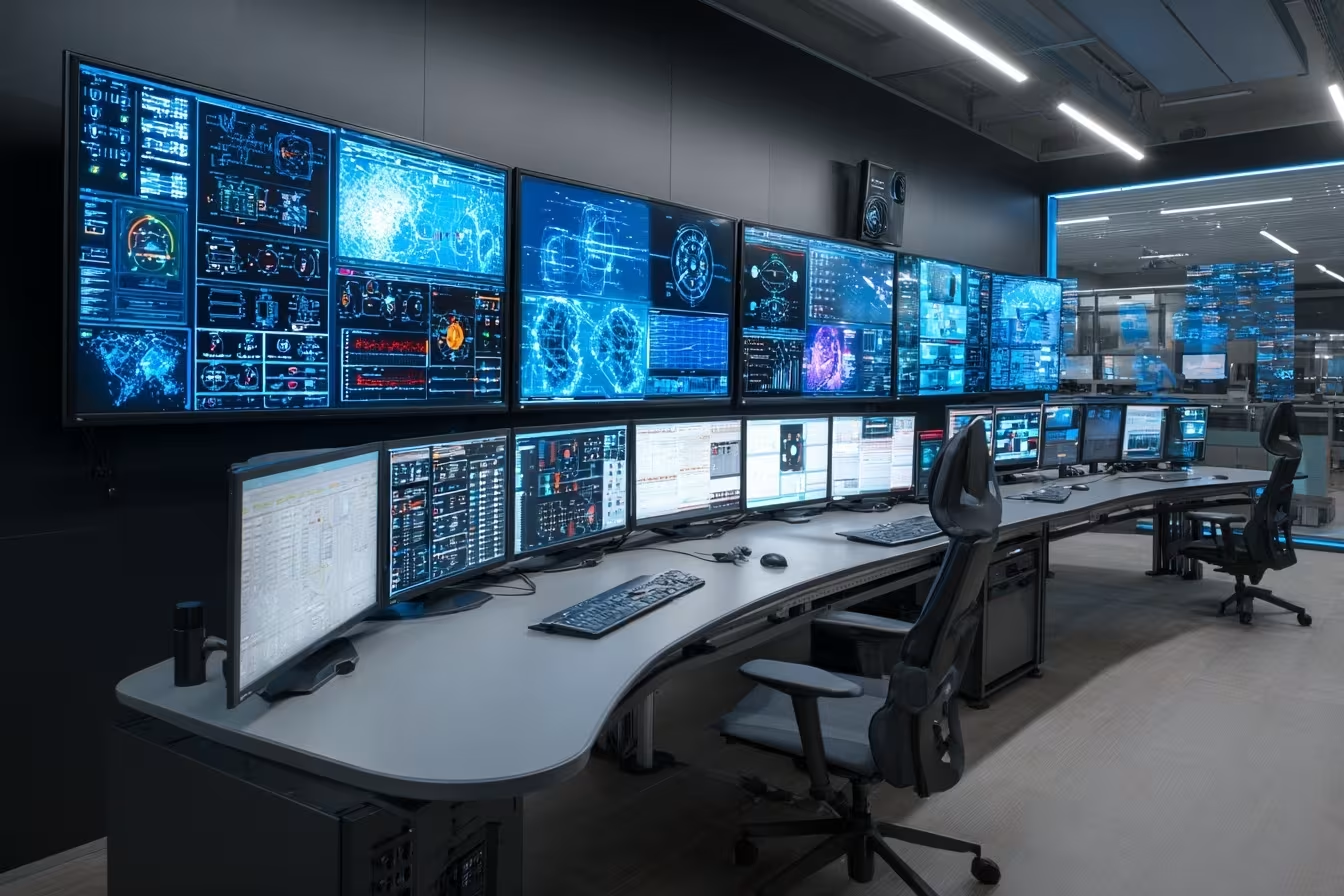
Modern High-Tech IT Monitoring Room
Real-time monitoring gives you the power to react to problems as soon as they happen. This reduces downtime and helps maintain high levels of uptime, which is crucial for customer satisfaction and business continuity. By seeing issues in real time, you can also identify potential security risks or performance bottlenecks before they affect your users.
For growing businesses, real-time monitoring means you can scale your operations with confidence. Whether you’re running a small enterprise or managing a larger network, having instant visibility into your systems helps you make better decisions and avoid costly outages. Plus, with modern monitoring tools, you can automate many tasks and focus on strategic improvements.
Getting IT monitoring right requires a thoughtful approach. Here are some best practices to help you succeed:
Start by deciding what you want to achieve with your monitoring system. Are you focused on uptime, security, or application performance? Clear goals help you choose the right tools and metrics.
Not all IT monitoring tools are the same. Look for solutions that support your infrastructure, offer strong analytics, and are easy for your team to use.
Make sure you’re monitoring every important part of your environment, including servers, networks, and cloud services. This ensures you don’t miss hidden issues.
AIOps (Artificial Intelligence for IT Operations) uses machine learning to spot anomalies and automate responses. This can help you resolve issues faster and reduce manual work.
Don’t just focus on one area. Monitor your entire infrastructure, including hybrid cloud and on-premises systems, to get a complete view of your IT environment.
Technology changes quickly. Review your monitoring setup regularly to make sure it still meets your needs and covers all the latest systems and applications.
Make sure everyone understands how your monitoring system works and what to do when an alert is triggered. Training helps your team respond quickly and effectively.

To get started with IT monitoring, begin by mapping out your current infrastructure and identifying the most important systems to monitor. Work with your IT team to select monitoring tools that match your business needs and are compatible with your existing technology stack. Make sure to include both on-premises and cloud environments for full coverage.
Next, set up automated alerts and dashboards to track key metrics like uptime, response time, and resource utilization. Use analytics to identify trends and potential issues before they become critical. Regularly test your monitoring system to ensure it’s working as expected, and update your workflows as your business grows or changes. Finally, document your processes and train your team so everyone knows how to respond to alerts and troubleshoot problems.
Following these best practices will help you get the most from your IT monitoring setup:
A strong IT monitoring practice keeps your systems running smoothly and supports your business goals.

Are you a business with 10 to 150 employees looking to improve your IT monitoring? If your company is growing and you want to avoid downtime, protect your user experience, and get more value from your technology, we can help. Our team understands the challenges of managing complex infrastructure and can guide you in choosing the right IT monitoring tools and strategies for your needs.
We know how important it is to spot issues early, automate alerts, and optimize your monitoring system for your business. At Axxis Group Technologies, we offer reliable support, practical advice, and proven solutions to help you stay ahead of IT problems. Contact us today to learn how we can help your business succeed with IT monitoring.
A monitoring tool helps you track the health and performance of your IT systems. It provides visibility into your servers, networks, and cloud environments, so you can quickly detect and resolve issues. With the right monitoring tool, you can automate alerts and monitor key metrics to keep your business running smoothly.
Using a monitoring tool also allows you to proactively identify potential problems, reduce downtime, and improve your user experience. Many tools offer dashboards and analytics to help you make informed decisions about your infrastructure.
Infrastructure monitoring tracks all the components of your IT environment, such as servers, storage, and network devices. By monitoring these systems, you can spot issues like high utilization or hardware failures before they cause downtime.
With infrastructure monitoring, you can set up automated alerts and workflows to respond quickly to problems. This helps you maintain high uptime and ensures your business operations are not interrupted.
Real-time monitoring lets you see what’s happening in your systems as it occurs. This is crucial for detecting security threats, such as unauthorized access or unusual activity, before they escalate.
By using real-time monitoring, you can set up alerts for suspicious behavior and respond immediately. This reduces the risk of data breaches and helps you protect sensitive information.
When choosing monitoring software, look for solutions that support your infrastructure and offer strong analytics. Features like customizable dashboards, automated alerts, and integration with your existing tools are important.
Good monitoring software should also be easy to use and provide clear visibility into your systems. This helps your team troubleshoot issues and optimize performance more effectively.
Effective monitoring strategies help you track application performance by monitoring key metrics like response time and uptime. This allows you to quickly identify and resolve issues that could impact your users.
By focusing on application performance monitoring, you can ensure a smooth user experience and avoid disruptions. Regularly reviewing your monitoring strategies helps you stay ahead of potential problems.
Best practices for implementing IT monitoring include defining clear objectives, choosing the right tools, and setting up monitoring for all critical systems. Training your team and regularly reviewing your monitoring setup are also important.
Following these best practices helps you maintain high uptime, improve user experience, and support your business goals. Staying proactive with your IT monitoring practice ensures your systems remain reliable and secure.
.jpeg)