Discover why is cybersecurity important and learn the cybersecurity importance for your business. Get practical tips to protect against cyber threats and data loss.

September 25, 2026
Businesses face a rising tide of hidden email malware threats that can slip past basic defenses and cause serious harm. This blog will help you understand the real risks, including how phishing, malware, and AI-powered attacks target your inbox. You’ll learn about the most common email security threats, how attackers use social engineering, and what steps you can take to reduce your vulnerability. We’ll also cover practical tips for recognizing suspicious emails and protecting your business from scams, breaches, and ransomware.
Hidden email malware threats are a growing concern for organizations of all sizes. These threats often bypass traditional filters and land directly in your inbox, making them harder to spot and stop. Attackers use advanced tactics to hide malicious code in attachments or links, waiting for someone to click and trigger an infection.
Unlike obvious spam or junk mail, these threats are designed to look legitimate. They may appear as invoices, contracts, or even messages from trusted contacts. This makes it easy for employees to accidentally open a phishing email or download a dangerous attachment, putting your business at risk for a breach or ransomware attack.
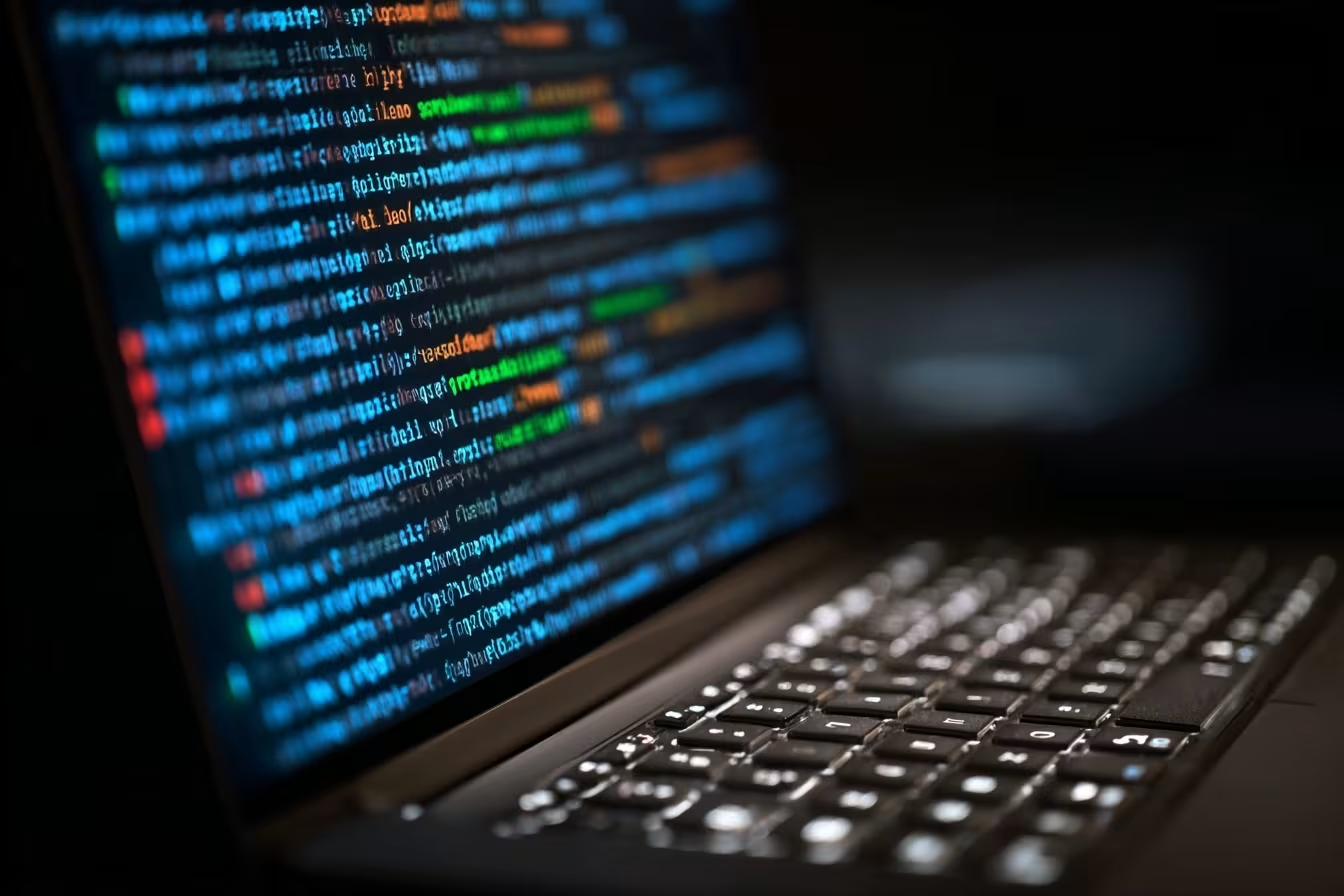
Even with strong email security tools, attackers keep finding new ways to sneak malware into your inbox. Here are some of the main strategies they use:
AI tools help attackers write emails that look real. They can mimic writing styles and avoid common red flags, making it harder for people to recognize a scam.
Malware often hides in attachments like PDFs or Word documents. Opening these files can trigger an infection without any obvious warning signs.
Attackers search for new, unpatched software flaws—called zero-day vulnerabilities—to slip malware past security tools before updates are available.
Cybercriminals may use business email compromise (BEC) tactics to pretend they’re someone you know, like a vendor or coworker, increasing the chance you’ll trust the message.
Sometimes, attackers target your partners or vendors first. If those companies are compromised, malicious emails can come from real, trusted accounts.
Modern threats are designed to evade standard email filters by using new file types, encryption, or hidden code that’s hard to detect.
Some emails only deliver part of the malware. Once you interact with the message, it downloads more dangerous code from the internet, making it harder to stop.
To stay safe, your business needs more than basic spam filters. Look for these features in your email security setup:
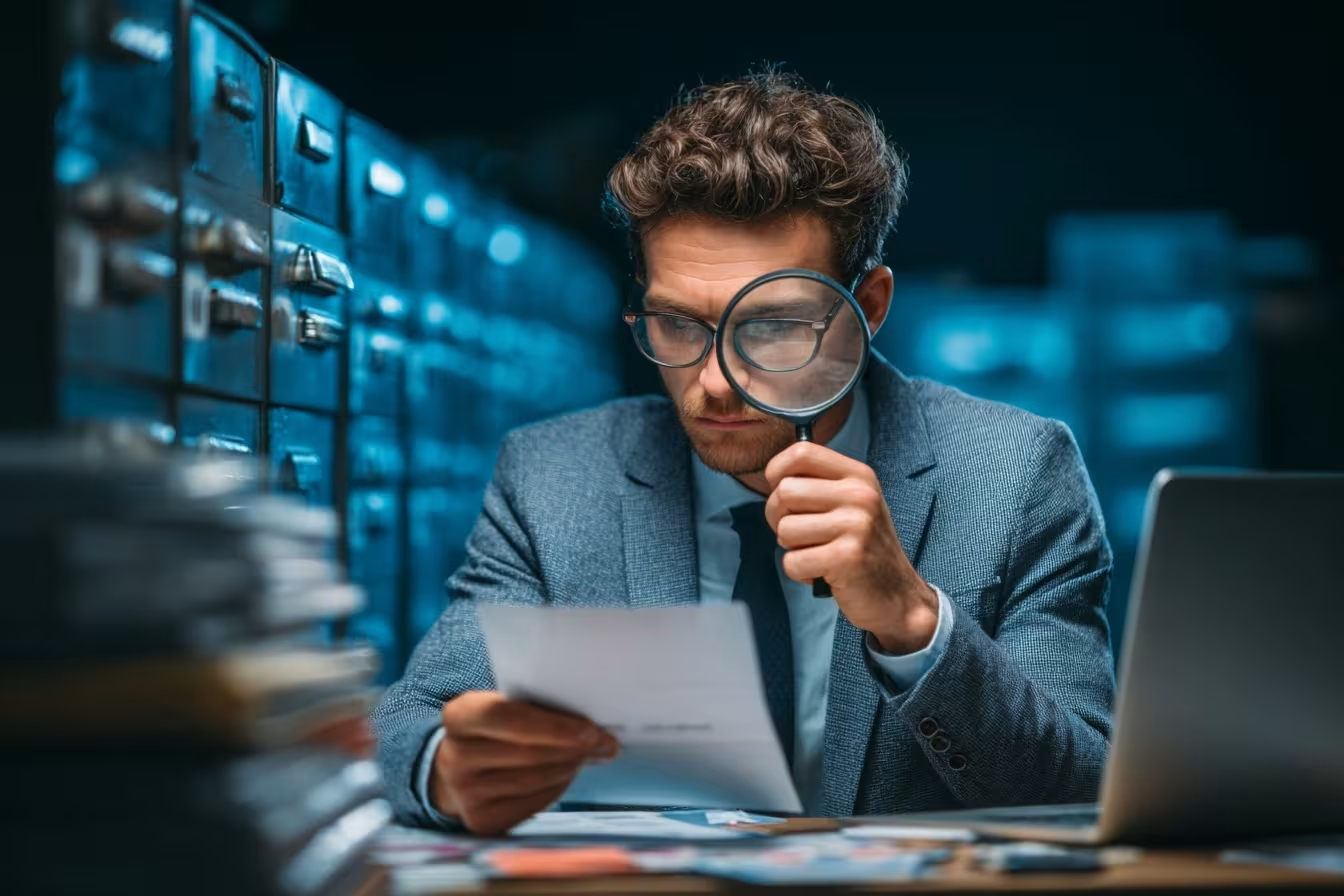
The threat landscape is always changing. Attackers constantly update their tactics to bypass traditional defenses. For example, phishing attacks now use AI to create more believable messages, while malware authors develop new ways to hide malicious code in everyday files. Even trusted platforms like Microsoft 365 can be targeted, with attackers exploiting vulnerabilities or using stolen credentials to send harmful emails from real accounts.
Businesses must stay alert to these changes. Regularly updating your security systems and training your staff to spot suspicious emails are both essential. By understanding how hidden email malware threats operate, you can better protect your inbox and reduce the risk of a costly breach.
Protecting your business requires a mix of technology and good habits. Here’s how you can build a stronger defense:
Modern email security solutions use AI and machine learning to spot unusual activity and block threats before they reach users.
Keeping your systems up to date closes security gaps that attackers often exploit. Make patch management a routine process.
Ongoing training helps staff spot suspicious emails, links, and attachments. Awareness is one of your best defenses.
Adding another layer of authentication makes it much harder for hackers to access your business email, even if they steal a password.
Watch for signs of BEC, such as unusual requests for payments or changes to vendor details. Quick detection can prevent losses.
Ensure all incoming attachments and links are scanned for malware before users can open them.
Have a clear plan for responding to email attacks. Regular drills help your team react quickly if a breach occurs.

Getting started with better email security doesn’t have to be complicated. First, review your current systems to see if they include advanced threat detection and real-time scanning. If not, consider upgrading to a modern solution that can handle the latest threats. Make sure your staff knows how to spot suspicious emails and what to do if they find one.
Next, set up regular software updates and patches to close off vulnerabilities. Use multi-factor authentication to secure email accounts, and monitor for signs of business email compromise. Finally, create a simple process for reporting and responding to email attacks so everyone knows what to do if something goes wrong.
Follow these best practices to keep your business safer:
Taking these steps helps reduce your exposure to hidden email malware threats and keeps your inbox more secure.

Are you a business with 10-150 employees looking for reliable ways to protect your inbox? If your business is growing, you need to stay ahead of hidden email malware threats that can disrupt your operations and put your data at risk.
We understand how challenging it is to keep up with common email threats and emerging scams. Our team at Axxis Group Technologies offers advanced email security solutions and practical support to help you recognize, block, and respond to hidden email malware threats. Contact us today to learn how we can help safeguard your business.
AI-powered tools can quickly spot unusual patterns in your inbox that traditional security might miss. They analyze email content and sender behavior to detect phishing attempts and malware hidden in attachments. This helps reduce the risk of falling for sophisticated scams.
By using AI, your business can stay ahead of attackers who constantly change tactics. These systems learn from new threats and adapt, making your email security stronger over time.
Look for emails with urgent requests, unexpected attachments, or links asking for credentials. Phishing emails often pretend to be from trusted sources but may have slight changes in the sender’s address or message tone.
If you notice poor grammar, generic greetings, or requests for sensitive information, be cautious. Training your team to recognize phishing emails is key to preventing breaches.
Malware can hide in common file types like PDFs or Word documents. When someone opens a malicious attachment, it can install harmful software on your system without obvious signs.
Attackers use social engineering to trick users into opening these files. Always scan attachments and avoid opening anything suspicious, even if it looks like it’s from a known contact.
Multi-factor authentication adds an extra step when logging in, such as a code sent to your phone. This makes it much harder for hackers to access your email, even if they have your password.
By requiring more than just a password, you reduce the risk of unauthorized access from credential theft or phishing attacks. It’s a simple but powerful way to boost security.
If you think someone is impersonating your business email, act fast. Change your password, alert your IT team, and notify anyone who might have received suspicious messages.
Monitor your accounts for unusual activity and review recent sent emails. Quick action can help prevent further damage and protect your business from financial loss.
Update your email security tools as soon as new versions or patches are available. Regular updates fix vulnerabilities that attackers might exploit.
Employee training should happen at least twice a year, with extra sessions if new threats emerge. Keeping your team informed is essential for staying ahead of hidden email malware threats.
.jpeg)