

Discover how outsourced IT support can enhance your internal team's focus on strategic projects while managing routine tasks effectively.

October 23, 2026
Migrating to the cloud is a major step for any business, especially when dealing with complex systems and workloads. Whether you're moving from on-premises servers or modernizing outdated infrastructure, choosing the right cloud migration solutions can make or break your success. In this blog, you'll learn what makes a migration plan effective, which tools help streamline the process, and how to avoid common pitfalls. We'll also cover how to optimize your cloud environment, integrate systems, and manage workloads efficiently.
Cloud migration solutions are designed to help businesses move their digital assets, services, and workloads from on-premises infrastructure to the cloud. These solutions include a mix of software tools, consulting services, and migration strategies that reduce risk and downtime.
A successful migration starts with understanding your current setup. This includes your data center, applications, and how your teams use them. From there, you can build a migration plan that fits your goals—whether it's to modernize legacy systems, improve scalability, or reduce costs. Cloud migration consulting services often help businesses assess their needs and choose the right cloud provider, such as AWS or Google Cloud.
The goal is to migrate to the cloud with minimal disruption. This means selecting the best cloud migration tools, preparing your data for transfer, and ensuring your systems integrate smoothly once in the cloud. With the right approach, you can unlock the benefits of cloud-native architecture, including better analytics, faster pipelines, and easier DevOps workflows.

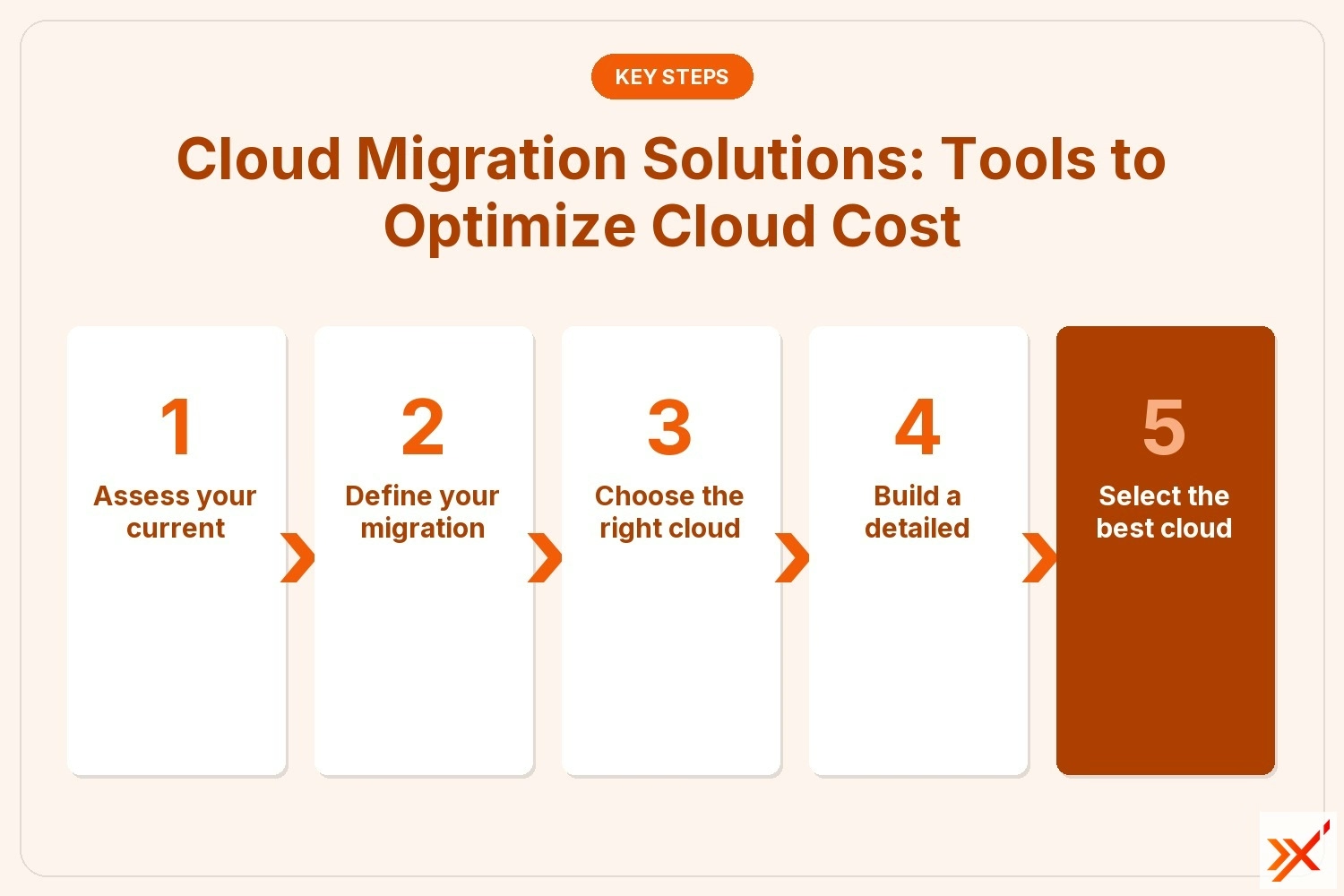
A smooth cloud migration depends on careful planning and the right tools. Below are the most important steps to follow.
Start by evaluating your on-premises systems. Understand what needs to be moved, what can be retired, and what should stay. This helps you avoid moving unnecessary workloads and reduces complexity.
Are you looking to modernize, reduce cloud cost, or improve performance? Clear goals help guide your migration strategy and tool selection.
Select a provider like AWS or Google Cloud based on your needs. Consider factors like pricing, compliance, and available services. Each platform offers unique features that may align better with your business.
Your migration plan should include timelines, responsibilities, and fallback options. It should also outline how you'll test systems before and after the move.
Use tools that support automation, data transfer, and workload testing. These tools can reduce errors and speed up the process.
Before going live, test your workloads in the new cloud environment. This ensures they perform as expected and integrate with other systems.
After migration, use management tools to track performance and optimize your cloud infrastructure. This helps you get the most value from your investment.
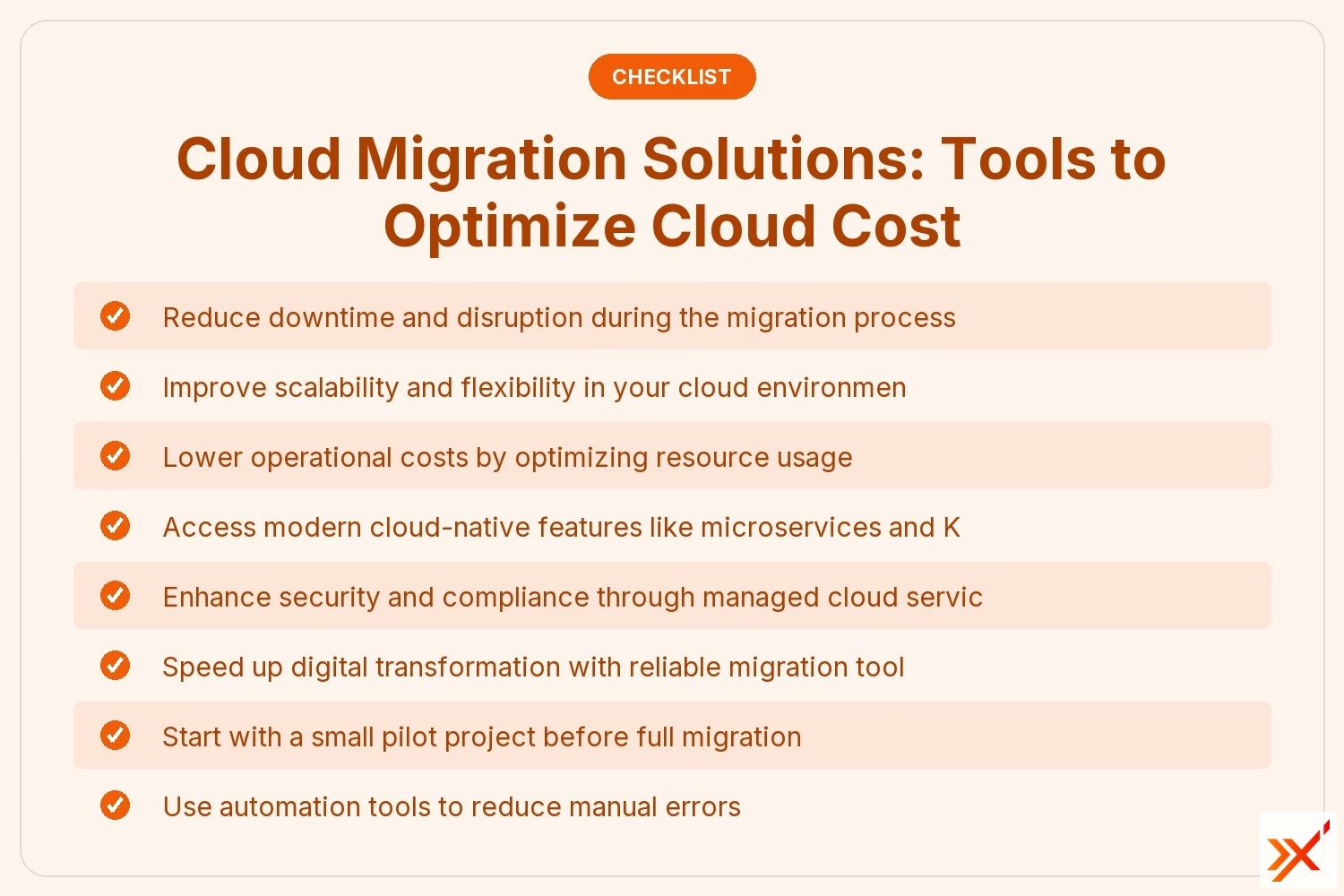
Using cloud migration solutions offers several advantages:

Once your systems are in the cloud, optimization becomes key. This involves reviewing your cloud usage, adjusting resources, and automating tasks where possible. Cloud migration consulting services can help you identify areas to improve.
Start by analyzing your cloud cost. Are you using more resources than needed? Many businesses over-provision during migration, which leads to higher bills. Use analytics tools to track usage and adjust accordingly.
Next, integrate your systems for better performance. This includes linking databases, applications, and services across your cloud platform. A well-integrated setup improves speed and reduces errors.
There are many tools and strategies available, but not all are right for every business. Here are some common ones that deliver results.
This tool helps you track the progress of your migration across multiple AWS services. It provides a central dashboard for managing workloads and timelines.
Google Cloud Migrate simplifies the process of moving VMs and databases to Google Cloud. It's ideal for businesses already using Google services.
This service supports real-time data transfer with minimal downtime. It’s useful for businesses that rely heavily on databases.
Instead of lifting and shifting, some businesses choose to modernize their apps using microservices and containers. This improves performance and scalability.
Some companies use a hybrid approach, keeping certain systems on-premises while migrating others. This reduces disruption and allows gradual adoption.
Tools like Jenkins and Terraform help automate deployment and configuration in the cloud. They also support continuous integration and delivery.
Kubernetes helps manage containerized workloads. It’s useful for businesses that want to scale quickly and maintain high availability.
Implementing your migration plan requires coordination across teams. Start by assigning roles and responsibilities. Make sure everyone understands the timeline and what’s expected.
Next, prepare your data for transfer. Clean up old files, back up critical systems, and test the transfer process. Use secure data transfer tools to avoid loss or corruption.
Finally, schedule the migration during low-traffic periods to reduce disruption. Once the migration is complete, monitor performance and address any issues quickly.
Follow these best practices to ensure your migration goes smoothly:
A well-executed migration plan leads to better performance, lower costs, and a more agile business.
Are you a business with 10 to 150 employees looking for cloud migration solutions that actually work? Our team specializes in helping growing companies move to the cloud without the headaches. We understand the unique challenges small and mid-sized businesses face and tailor our services to fit your needs.
At Axxis Group Technologies, we offer hands-on cloud migration consulting, from planning to post-migration optimization. Whether you're migrating to AWS, Google Cloud, or another platform, we’ll guide you every step of the way. Contact us today to start your migration journey with confidence.
The best way to start is by assessing your current infrastructure and defining clear goals. This helps you choose the right migration tools and avoid unnecessary steps. A solid migration plan will guide your decisions and reduce risk.
You should also consider cloud migration consulting to help you evaluate options and build a strategy. Whether you're moving to AWS or Google Cloud, expert guidance ensures a smoother migration journey.
To reduce cloud cost, start by analyzing your usage. Many businesses over-provision resources during migration. Use analytics tools to track what you actually use and adjust accordingly.
You can also optimize your cloud environment by automating tasks, shutting down idle resources, and using reserved instances. These steps help you get the most value from your cloud platform.
Common challenges include data transfer issues, system downtime, and integration problems. These can delay your project and increase costs.
Using the best cloud migration tools and having a detailed migration plan can help you avoid these issues. It's also important to test workloads before going live.
Start by identifying your business needs. Do you need scalability, better performance, or lower costs? Then compare cloud providers and tools that meet those goals.
Cloud migration consulting services can help you evaluate options and select the right cloud migration solution. This ensures your systems integrate well and perform reliably.
Yes, with the right strategy and tools, you can migrate to the cloud with minimal or no downtime. Real-time data transfer and workload testing are key.
Using services like the database migration service and cloud-native tools helps you move systems seamlessly. Planning and testing are essential to avoid disruption.
After migration, use cloud infrastructure management tools to monitor and adjust workloads. This helps maintain performance and control costs.
You can also integrate DevOps practices and use Kubernetes to manage containerized applications. These tools make it easier to scale and respond to changes quickly.
.jpeg)